
The Piwigo.com blog
Welcome on Piwigo’s blog ! Keep in touch with Piwigo, the online image gallery software.
Latest posts

Digital sovereignty: where is your data really hosted?
Where is your data really hosted? As digital sovereignty and cloud dependence become major concerns, more organizations are rethinking their infrastructure choices.
Continue Reading Digital sovereignty: where is your data really hosted?
Piwigo API: unlock the full potential of your photo library
Discover how the Piwigo API allows you to automate workflows, connect your tools, and use Piwigo as a reliable image and video management backend for third-party digital platforms.
Continue Reading Piwigo API: unlock the full potential of your photo library

Piwigo 16 is coming to piwigo.com: discover what’s new!
Graphic redesigns and improvements, two-factor authentication, improved filter management in searches… Discover all the new features coming with version 16 of Piwigo!
Continue Reading Piwigo 16 is coming to piwigo.com: discover what’s new!
Importing an Existing Photo Library into Piwigo: How Does It Work?
How do I import an existing media library into Piwigo? We explain how, with real-life examples from our corporate customers.
Continue Reading Importing an Existing Photo Library into Piwigo: How Does It Work?

Piwigo AI: Artificial Intelligence is coming to Piwigo
We’re currently working on a major project to integrate AI into Piwigo. What’s it for? How will it work? We tell you all about it.
Continue Reading Piwigo AI: Artificial Intelligence is coming to Piwigo
Why We Moved Our Support from HelpScout to FreeScout – and What It Says About Reversibility in SaaS business
Learn why Piwigo migrated its customer support from HelpScout to FreeScout, and what this reveals about the importance of reversibility in SaaS tools.

Piwigo 15 release: what’s new?
You won’t have missed it: Piwigo version 15 is now deployed on all piwigo.com accounts! Improved user management, system activities, overhauled batch management: this article reviews the main new features of this version.
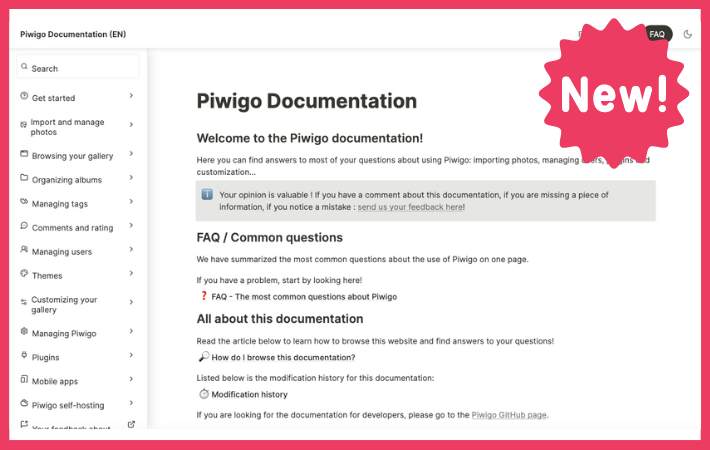
The new Piwigo documentation is now available!
We’ve just released a brand new Piwigo documentation in English, the most complete as possible! In this article, we’ll explain how to access the doc, how to use it and how to give us your feedback.
Continue Reading The new Piwigo documentation is now available!

Smart Albums: Automate the classification of your photos in Piwigo
Discover Smart Albums, a plugin that lets you create albums that are automatically populated according to predefined rules.
Continue Reading Smart Albums: Automate the classification of your photos in Piwigo
Get a sneak preview of Piwigo 14
Piwigo version 14 will be released soon and needs beta testers. The biggest news in this version is a complete overhaul of the gallery search engine. You can preview this feature and help us to test it!
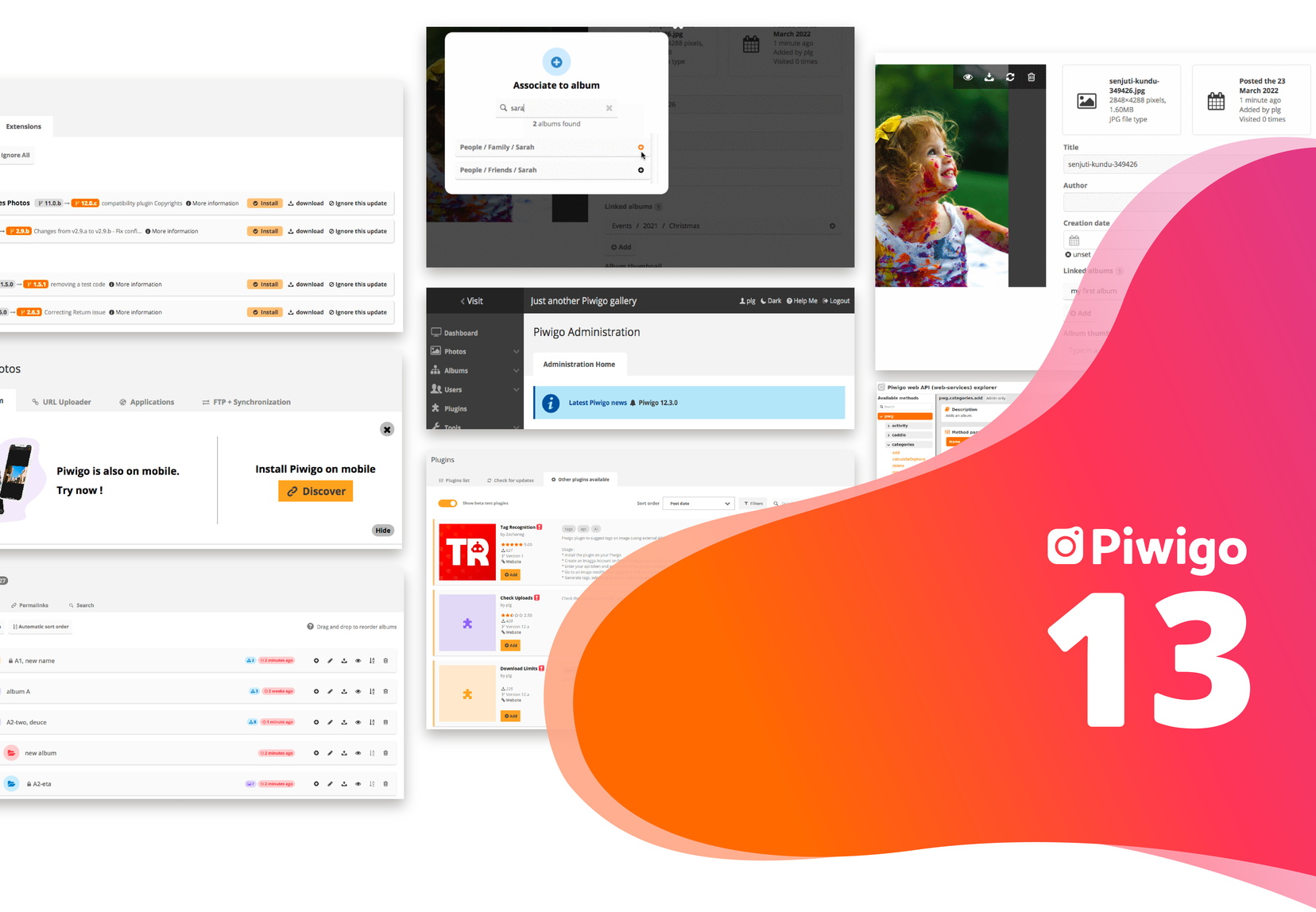
What’s new in Piwigo 13?
All customers have now switched to Piwigo 13, the latest version of Piwigo! Let’s review what’s new in this version, which focuses on user experience.
Discover Piwigo 13 in a video, and send your feedback!
Piwigo 13 is out in beta: discover all the new features in video, and give us your opinion!
Continue Reading Discover Piwigo 13 in a video, and send your feedback!

Expiry Date : a new plugin to manage expiration dates on photos
How to manage the expiration date of image usage rights and photo consents on your photo library? With the Expiry Date plugin for Piwigo, it’s easy. Today, let’s discover this new plugin designed in collaboration with one of our Enterprise customers.
Continue Reading Expiry Date : a new plugin to manage expiration dates on photos

8 examples of customized Piwigo galleries
Piwigo allows you to create a photo gallery customized to your colors. Discover 8 examples of photo libraries customized according to the brand guidelines of our customers!

Sharing and comments: how to collaborate easily with Piwigo?
Today, we focus on the collaborative features in Piwigo and especially, all the sharing features.
Continue Reading Sharing and comments: how to collaborate easily with Piwigo?
